Gør hvert besøg unikt for din virksomhed
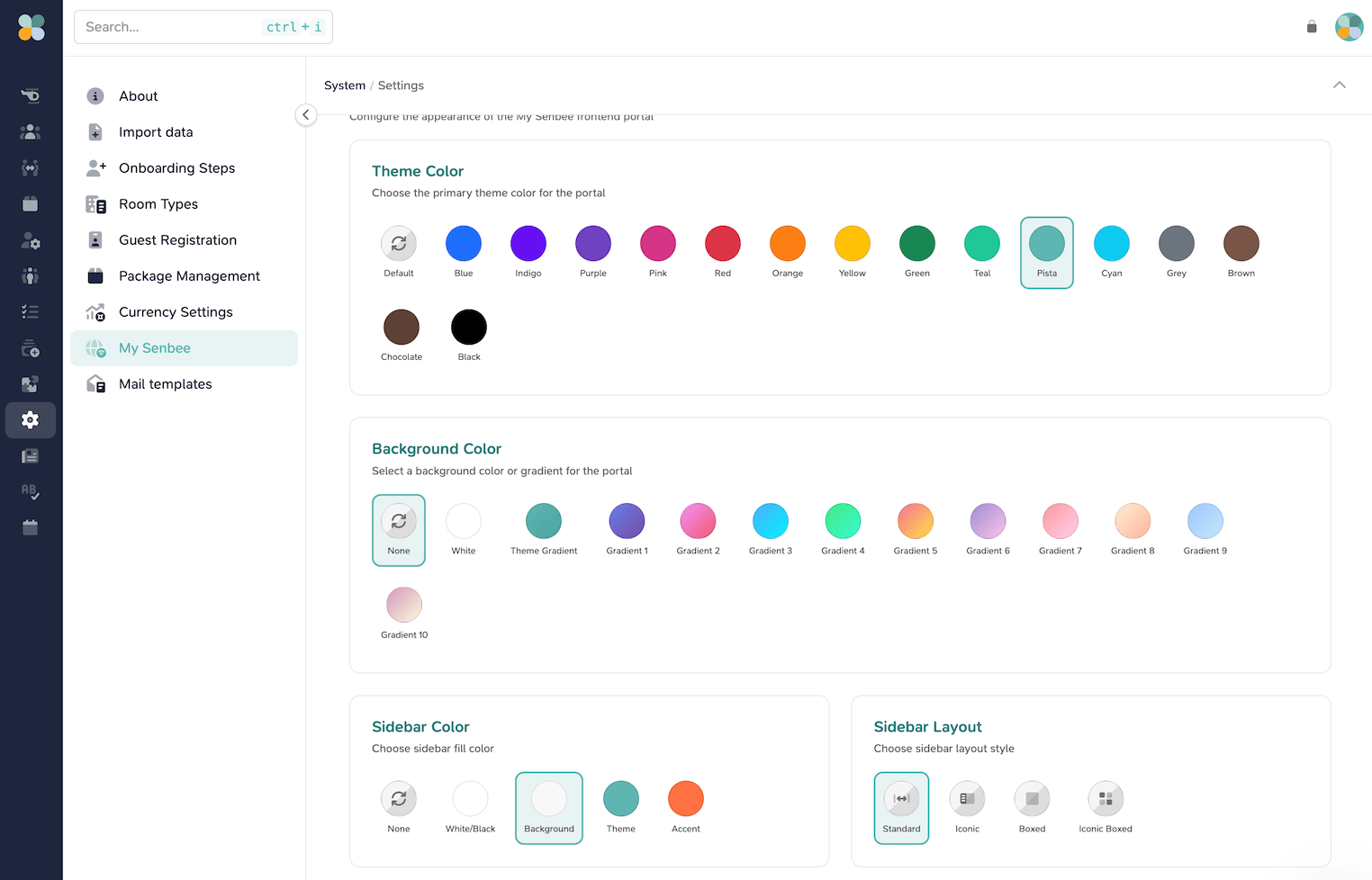
Få din visuelle identitet ind i portalen, som folk bruger hver dag. Vælg et tema, der afspejler dit brand, og skab en ensartet oplevelse i MySenbee – uden at skulle vedligeholde en separat app.
- Vælg primære tema- og accentfarver
- Vælg portalbaggrunde og farveovergange
- Tilføj dit eget logo og visuelle identitet
- Bevar en ensartet oplevelse på tværs af din portefølje
Form portalen efter dine brugere
Tilpas både udseende og struktur i MySenbee til din organisation. Gør de daglige handlinger synlige, forenkle sidebaren, og giv hver målgruppe et portal, der føles gennemtænkt.
Brandidentitet
Brug dit logo og farvepalette i hele MySenbee, så portalen matcher din kundeoplevelse.
Navigation
Vælg sidebar-stil og tilpas menuen til de tjenester, dine brugere har mest brug for.
Én platform
Få en skræddersyet frontend, mens opdateringer, sikkerhed og den tilkoblede Senbee-platform håndteres for dig.
Detaljerne der gør MySenbee til din egen
Styr det visuelle udtryk og strukturen, brugerne møder fra første login.
Sæt dit brand i centrum af MySenbee
- En portal tilpasset din visuelle identitet
- Navigation tilpasset dine brugere
- Senbee-platformen kører i baggrunden
Whitelabelling er inkluderet i Business-niveau og derover.